


Embedding full-size pics in posts (tutorial)


Thread Starter
2nd Gear Member
Joined: Aug 2006
Posts: 174
From: Inwood, Iowa
 Embedding full-size pics in posts (tutorial)
I've been seeing questions about this in a few threads, so I thought I'd write this up
I used photobucket for this but it should be simaler for other image hosts

to upload just hit browse, pick your picture, click it, hit open, then upload

go to where you want to post, click the image button so the [IMG] tags appear

copy the url

paste it in between the tags
post your message

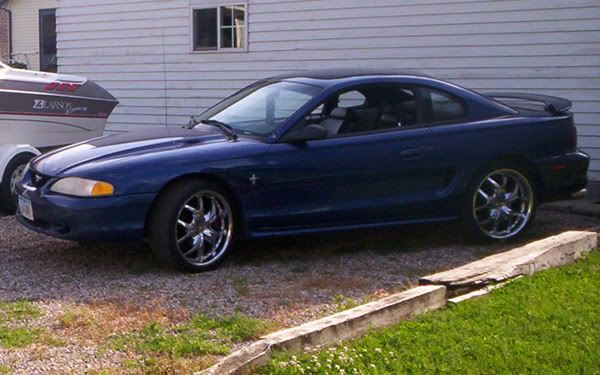
there will be a full-size picture.
and that's how to post pictures embedded in your post
I used photobucket for this but it should be simaler for other image hosts
to upload just hit browse, pick your picture, click it, hit open, then upload
go to where you want to post, click the image button so the [IMG] tags appear
copy the url
paste it in between the tags
post your message
there will be a full-size picture.
and that's how to post pictures embedded in your post


Thread
Thread Starter
Forum
Replies
Last Post