
First sig please!!

Thread Tools
 
Search this Thread
 
Old Aug 12, 2011 | 03:53 PM
  #1  
vbstang13's Avatar
vbstang13
Thread Starter
3rd Gear Member
 
Joined: Apr 2008
Posts: 820
From: Va
Default First sig please!!

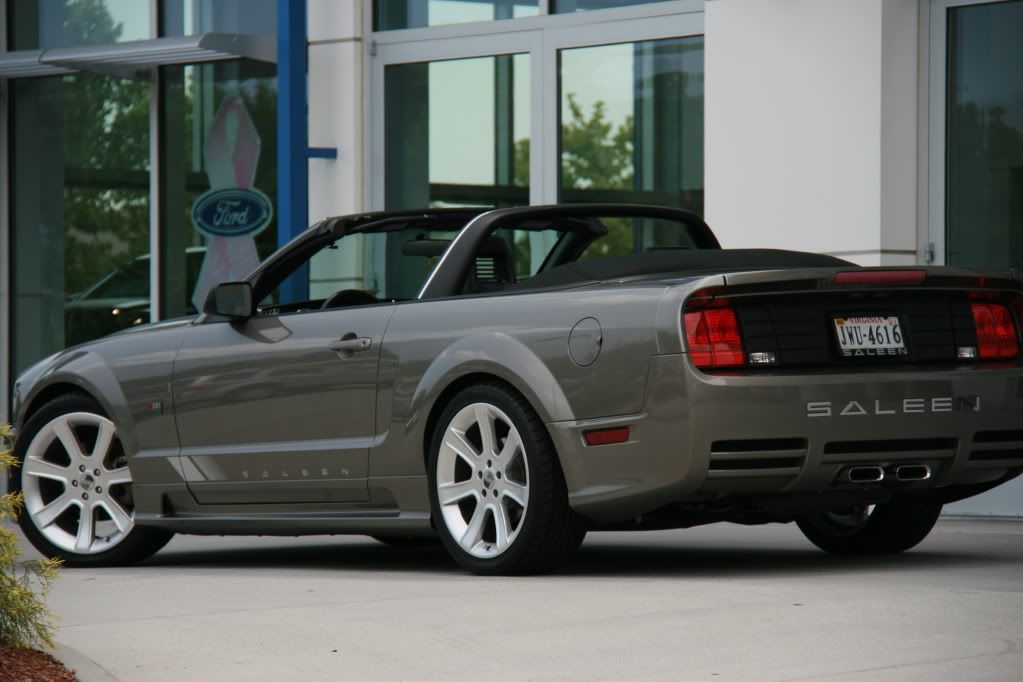
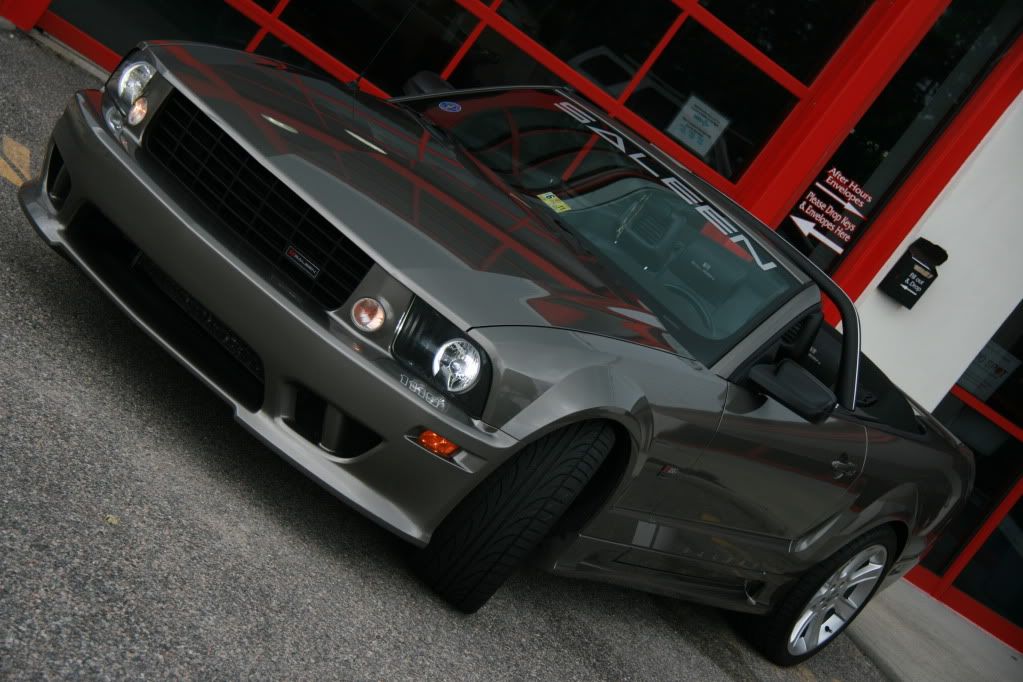
I have been trying to unsuccessfully resize a picture for my sig, I am photoshop challenged.
I am very jealous (lol) of all the cool sigs that people have had done for them.
Who ever has the time you have free artistic freedom to make it bad ***!
Thanks in advance.





Old Aug 12, 2011 | 04:23 PM
  #2  
MeanStang08's Avatar
MeanStang08
ChopShop Mod-tator
 
Joined: Mar 2008
Posts: 2,147
From: Kaintucke
Default

that'll be easy to do cause it's a BA car..
Old Aug 12, 2011 | 07:16 PM
  #3  
MeanStang08's Avatar
MeanStang08
ChopShop Mod-tator
 
Joined: Mar 2008
Posts: 2,147
From: Kaintucke
Default

here's my attempt.. lemme know if you wanna change anything hope you like it.

Old Aug 12, 2011 | 07:41 PM
  #4  
Xeno's Avatar
Xeno
'Dr. X'
 
Joined: Apr 2008
Posts: 4,388
From: Toto's Kansas
Default

NICE saleen vert!


and nice sig too
Old Aug 12, 2011 | 09:19 PM
  #5  
vbstang13's Avatar
vbstang13
Thread Starter
3rd Gear Member
 
Joined: Apr 2008
Posts: 820
From: Va
Default

That was fast and thanks for the compliments. Meanstang08 great work that sig is awesome ! I love it, now the dumb question: How do I get it into my posts?
Old Aug 12, 2011 | 10:35 PM
  #6  
MeanStang08's Avatar
MeanStang08
ChopShop Mod-tator
 
Joined: Mar 2008
Posts: 2,147
From: Kaintucke
Default

Originally Posted by vbstang13
That was fast and thanks for the compliments. Meanstang08 great work that sig is awesome ! I love it, now the dumb question: How do I get it into my posts?
glad you like it..

right-click on the sig here and save it to your computer, then upload it to an image hosting site like photobucket or imageshack or your own webspace.

https://mustangforums.com/forum/new-...in-a-post.html

and you code in the URL - [IMG] www your image jpg URL here [/IMG] without spaces.. in the full-edit mode there's a yellow icon with mountains and a sun/moon right up above here - insert image - allows you to paste the URL into it and it puts the IMG codes around the URL for you..

basically you goto your 'User CP' (upper lefthand - blue bar - white text) drop down menu.

and then lefthand side of the user control panel select 'Edit Signature' and then type it in the entry field (like here on a post) - preview & save
Old Aug 14, 2011 | 05:05 PM
  #7  
vbstang13's Avatar
vbstang13
Thread Starter
3rd Gear Member
 
Joined: Apr 2008
Posts: 820
From: Va
Default

Meanstang08, Thanks for the awesome sig and the info on how to make it show up. I just tried it in the testing area and it worked perfect. Thanks again!!!
Related Topics
Thread
Thread Starter
Forum
Replies
Last Post
Diode Dynamics
Vendor For Sale / Group Buy Classifieds
28
May 26, 2022 12:02 PM
razzorr
Members Rides and Car Show Section
12
Feb 9, 2016 04:14 PM
9550
5.0L (1979-1995) Mustang
10
Oct 26, 2015 05:01 PM
UrS4
S197 Handling Section
10
Oct 3, 2015 06:23 AM


All times are GMT -5. The time now is 11:39 AM.