


Calling Xeno





'Dr. X'
Joined: Apr 2008
Posts: 4,388
From: Toto's Kansas

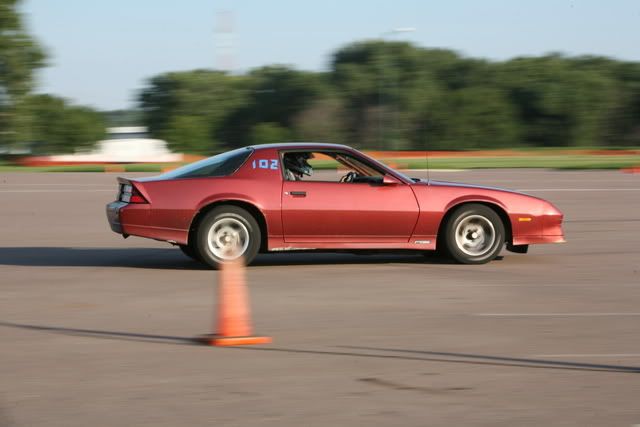
^^ highlight the car (minus windows, door handles, lights, etc), copy it to make a new layer, then use the hue/saturation tool to adjust color and the brightness/contrast to give it a more glossy or flat look.
overall, not too difficult... i'm sure you can do it
overall, not too difficult... i'm sure you can do it


Thread Starter
4th Gear Member
Joined: Dec 2007
Posts: 1,278
From: South Dakota



DubStep Stu
Joined: Jun 2007
Posts: 2,349
From: Arizona-ASU

'Dr. X'
Joined: Apr 2008
Posts: 4,388
From: Toto's Kansas
^^ yep, the 'replace color' tool will definitely work too. it's probably just my cruddy version, but i usually have to make more adjustments using that tool than i do with the hue/sat tool, though; cs2 is lightyears beyond my program's abilities

Thread
Thread Starter
Forum
Replies
Last Post
nmra1965
Other Professional Racing
0
Sep 26, 2015 10:46 AM